.png?height=120&name=Profile%20Blue(2).png)
Learn how to access your saved reports and the Participant response reports produced by Metolius.
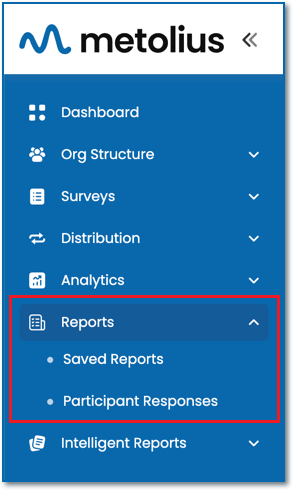
Saved Reports
All report types -Summary, Detailed Analysis, Single Chart, Drilldown, IG Statistics (Information Gathering), Demographic Breakdown that you have saved from the Question Analysis section under the Analytics menu are found under Saved Reports.
Participant Response
All participants repoFor Participant Response, the report types are as follows. Most reports can be viewed row or column-wise and downloaded.
- List of Questions
All questions within a survey listed in spreadsheet format with columns identifying question number, outcome, question, and intention short name.
- Assessment Responses
This spreadsheet provides the name, email and department of each participant and all their related survey responses within the following question categories: demographic, analytic, information gathering, and open-ended. A list of responses to the response-based open-ended questions are in a separate spreadsheet file. Select between the two by clicking on the gear icon within the Action column, and choosing to view or download either.